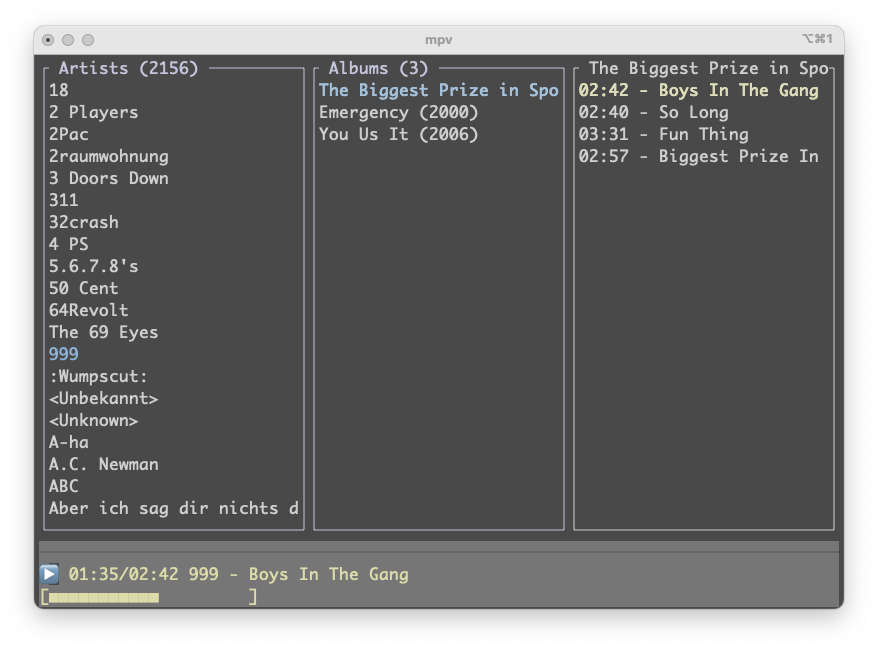
TerminalDrome is a terminal-based music client for Navidrome (and other Subsonic-compatible servers) with optional Bandcamp support. It runs entirely in your terminal, plays audio through mpv, and shows album covers as ASCII art — no browser, no Electron, no fuss.
This guide walks you through everything from installing the prerequisites to playing your first album, in about ten minutes.
Hej guy, TerminalDrome Version 0.8.5 ist out for downloading via github or
to install via crates.io and rust, cargo install terminaldrome. I am
happy to share this moment with you guys.
Best new thing: after Installation via cargo or compilation and start via
terminaldrome
it will do an initial setup and will ask for your server and credentials, create and salt it with md5 and will nevermore store your credentials in plaintext on your computer.
Hey guys, this is just a short post about my TerminalDrome project wich
aims to play your navidrome files in a 80x25 Terminal on Linux, MacOS and
everything with python and mpv. My initial goal as I started was to have a
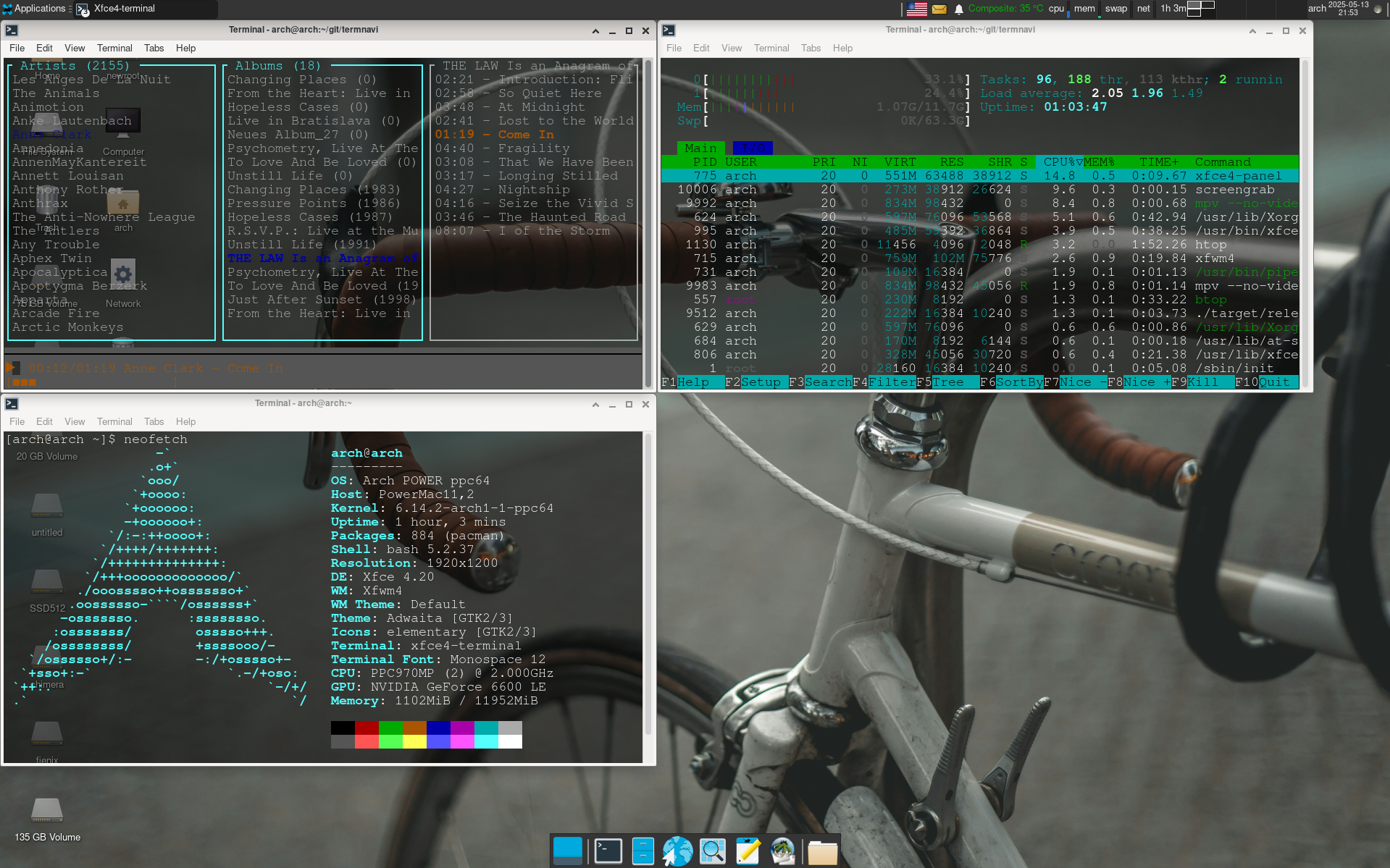
player in terminal on my old but still sexy Powermac G5 with Arch based PPC64
Linux. There were a few around but none compiled so I started to build my own
one.
A terminal-based music client for Navidrome (and other Subsonic-compatible servers), written in Rust.
Features
What’s new in 0.6.0
🔀 Shuffle Mode — press Shift+S while in any song list (album, playlist, or Jukebox queue) to instantly shuffle and restart playback. The currently playing song panel and progress bar turn magenta so you always know shuffle is active.
What was new in 0.5.x
🎉 Party / Jukebox Mode (Shift+J) — streams your entire library in random order. Songs are fetched from the server in batches in the background, so even a library with tens of thousands of tracks works without loading everything into memory at once.
I’m happy to announce that TerminalDrome has been officially added to
the crates.io repository. This means you can now install
and use TerminalDrome on your system with a simple
cargo install terminaldrome
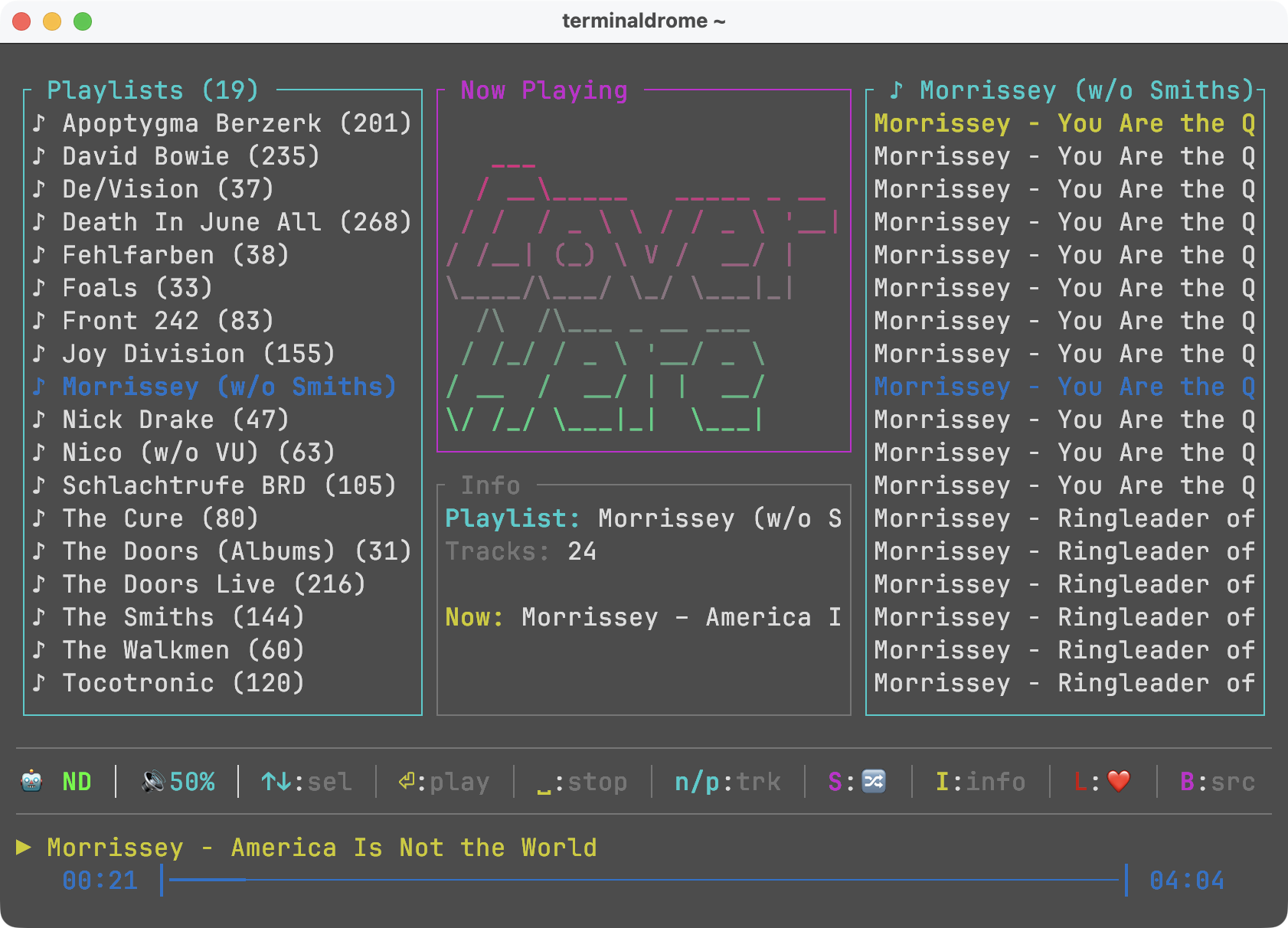
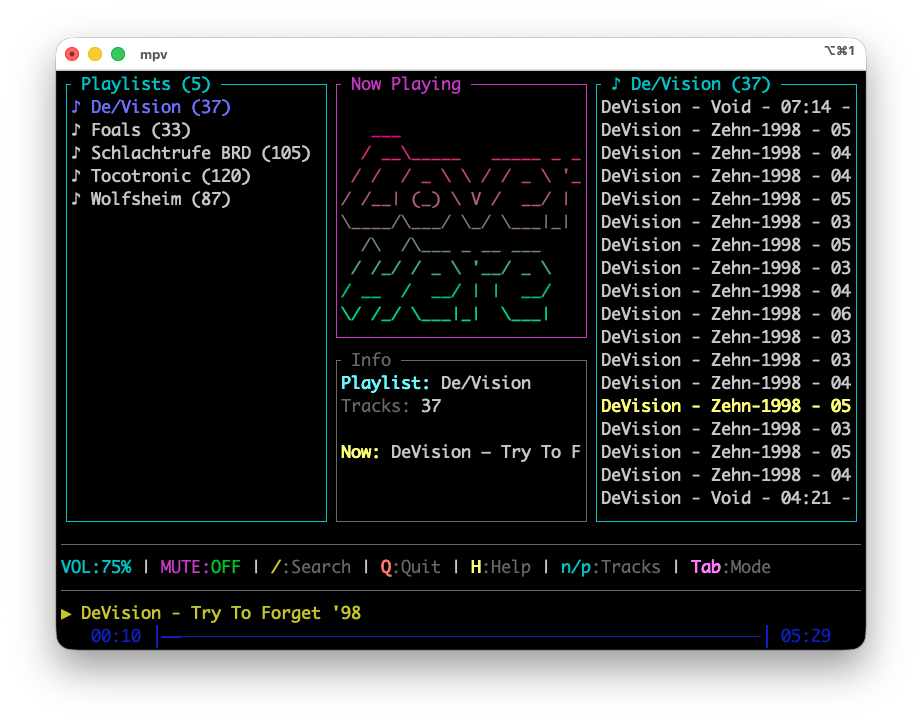
command. I’ve also added the ability to use playlists in TerminalDrome,
which wasn’t available before. You can use the TAB key to switch the left
pane to the playlists. In the middle, you’ll see information about the
playlist, and on the right, the songs it contains.
Otherwise, there were many bug fixes: one was a buffer overflow at the end
of a song, which caused the runtime to be recalculated and resulted in a
crash. Another was a large number of warnings, which I’ve resolved.
After nine long months of laziness and overindulgence, I finally sat down
again to work on my beautiful terminal client for Navidrome, TerminalDrome,
and implemented a few bug fixes. I also made sure it continues to run
everywhere and improved the code quality a bit.
I am proud to announce TerminalDrome 0.2.3 for your pleasure.
What has changed in Version 0.2.3?
0.2.3 – Stability & Cross-Architecture Improvements, not visibile.
Fixed
Fixed duplicate selection decrement in navigation logic (on_up)
Fixed potential division-by-zero in progress bar calculation
Hardened time position handling against invalid/NaN values
Improved atomic memory ordering for weak memory architectures (ARM, PPC64)
Prevented uncontrolled async task spawning during album rendering
Improved mpv IPC reconnect handling
Improved temporary directory handling for macOS and Linux
Improved
Switched to single-thread Tokio runtime for better determinism
Since I recently discovered how relaxing programming can be, I’ve been tinkering with my Navidrome-compatible terminal client called TerminalDrome almost every day.
I’ve now integrated a new feature, which I’ve moved to Main:
A simple search function:
Press slash / and the search will open.
Enter the search term, press Enter, and you’ll see the search results in the right panel.
It’s neither alphabetically sorted nor otherwise organized.
Additionally, there’s a feature in the leftmost panel where you can jump directly to the beginning of the respective artist by pressing a letter of your choice. So if I press D, I’ll land on D.A.F., or Q on Queens Of The Stone Age—you get it?
I am proud to announce the release of TerminalDrome 0.2.0 as a feature-rich
stable version to the public. It is still alpha but it works on a daily basis
here on my Powermac G5 or the Mac Mini M4.
TerminalDrome Splash Screen
There are compiled binaries available for arm64, ppc64 and armhf. But TerminalDrome
will build on every Linux with Rust and Cargo.

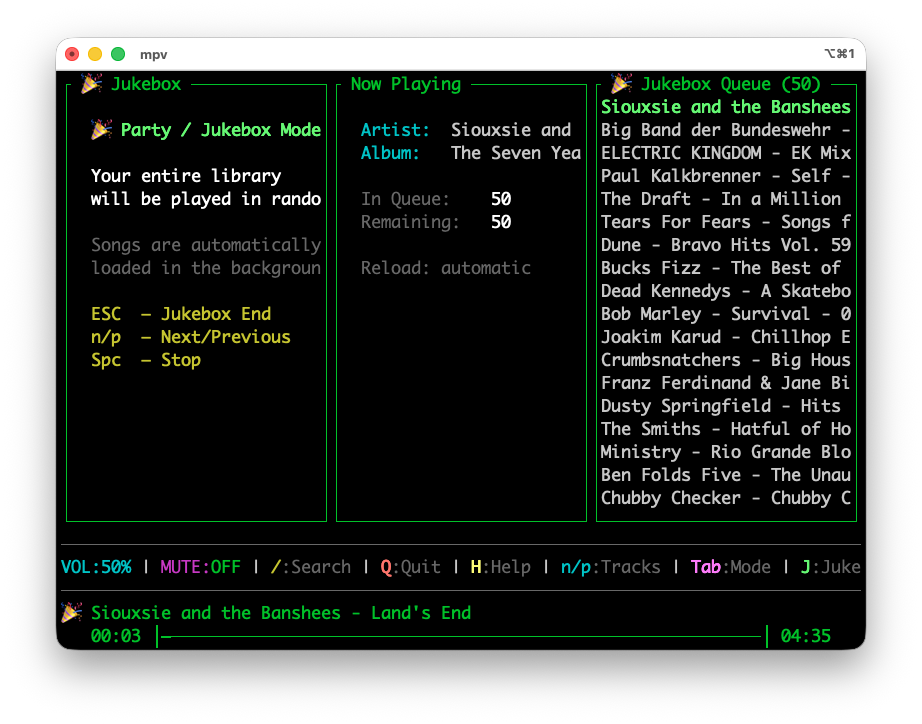 The new Jukebox Mode plays my entire library
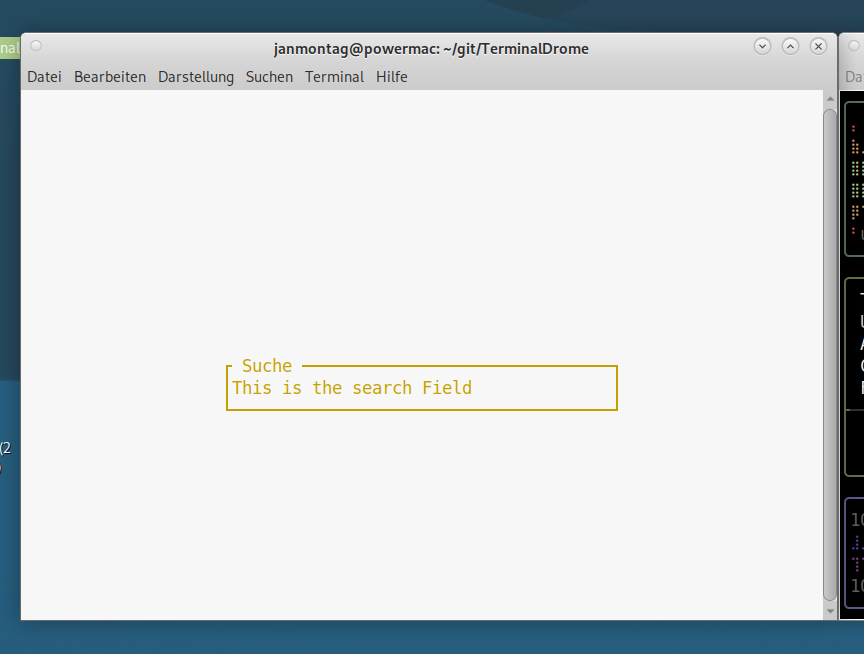 My TerminalDrome CLient in Search Mode
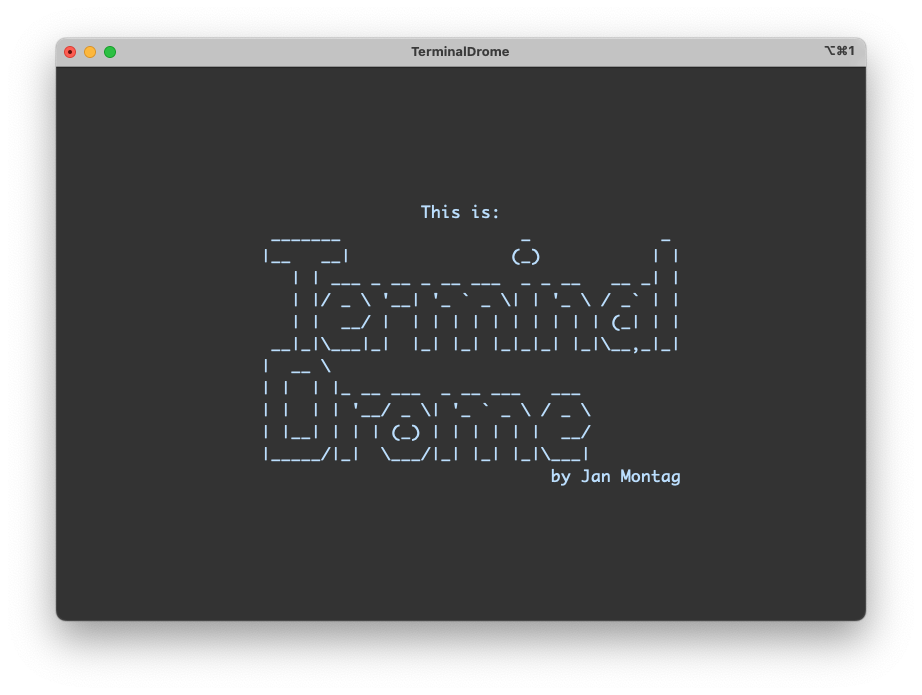 TerminalDrome Splash Screen